Components
workflow
Explore live previews, find your fit, and bring open components into your project with source code included.
18 of 18
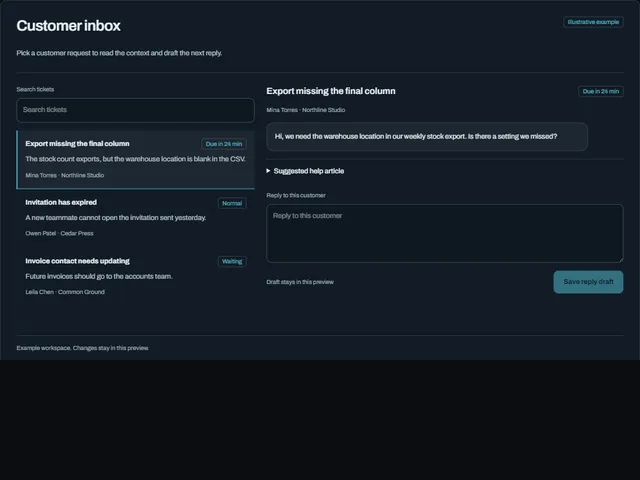
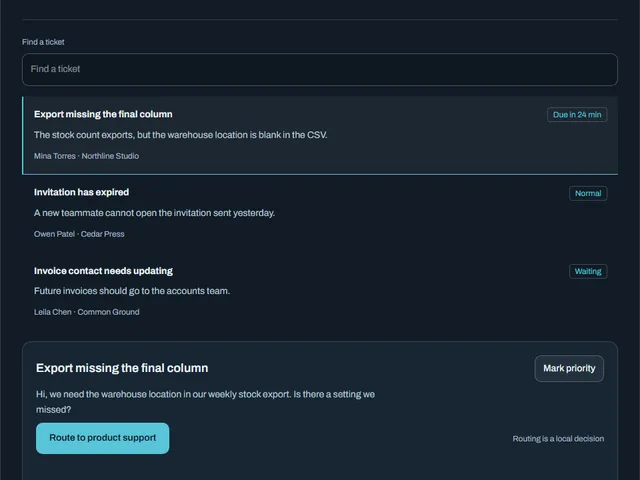
Compare these components
Choose by behavior and layout, then check the available frameworks and access requirements on each component page.
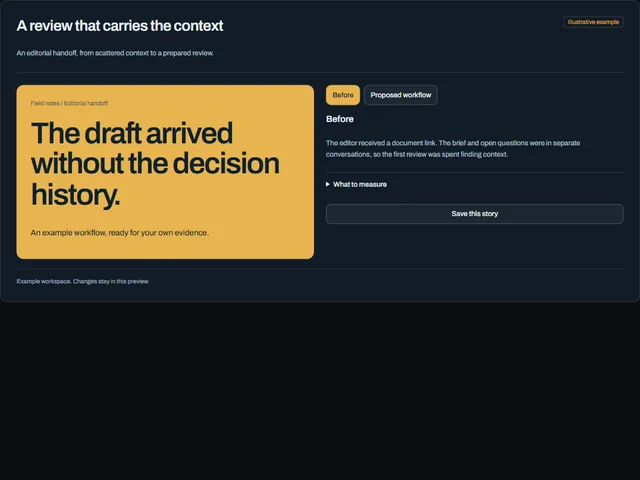
- Case study outcomes
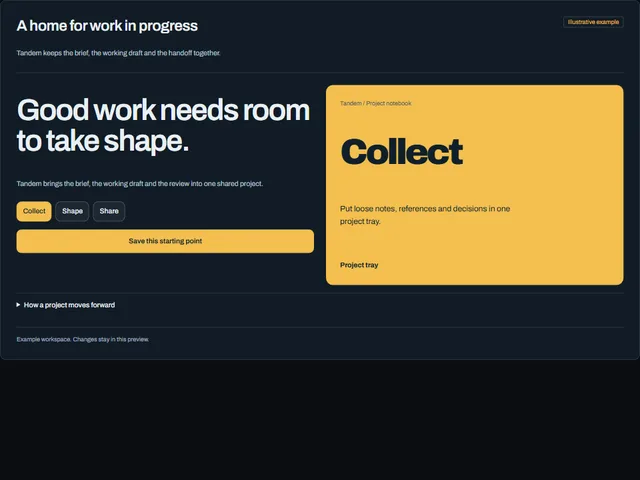
An illustrative project story compares the original handoff with a proposed workflow and explains the evidence to collect.
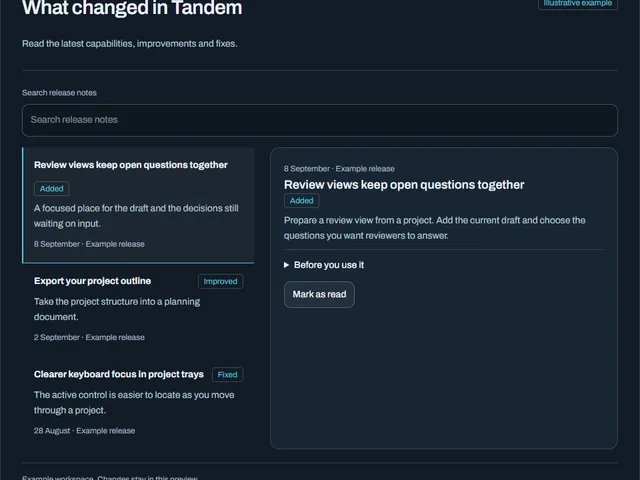
- Changelog feed
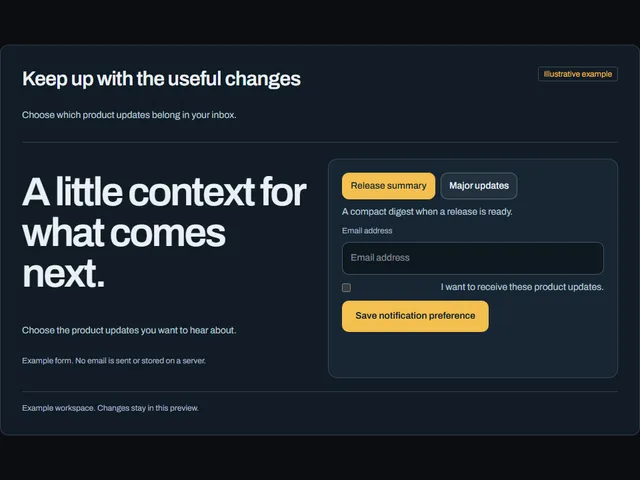
A searchable release feed expands release notes and lets readers mark the selected update as read.
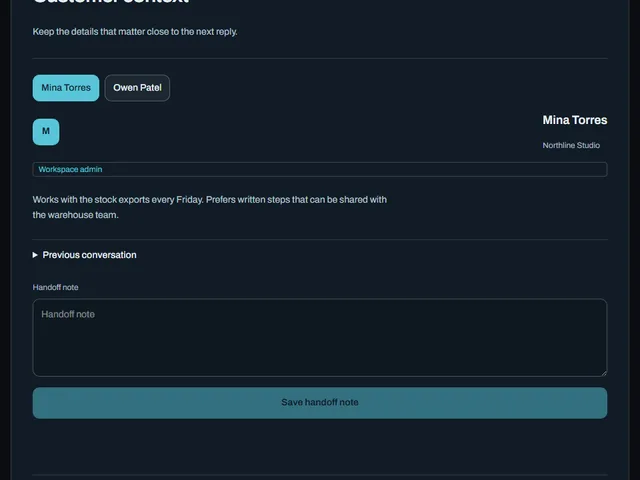
- Customer context sidebar
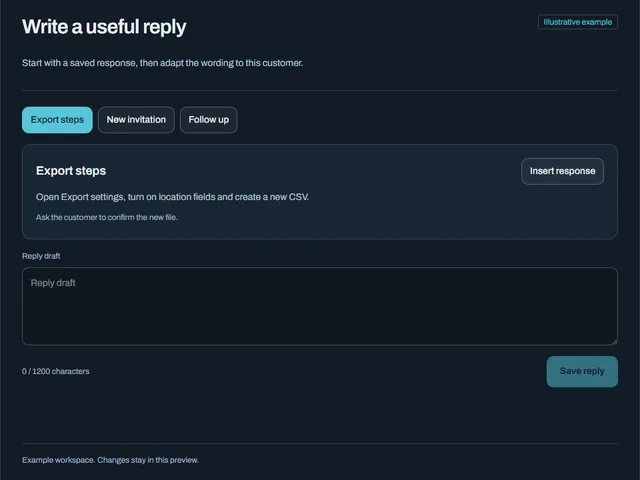
A compact customer profile exposes workspace context, history and an editable handoff note.
Open the full index
- Case study outcomes
- Changelog feed
- Customer context sidebar
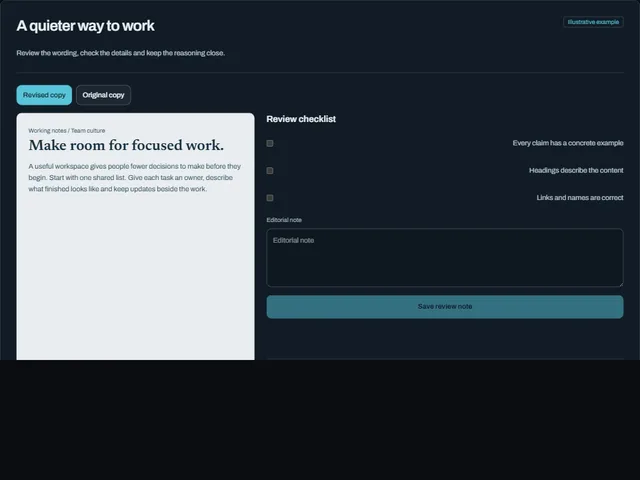
- Editorial review workspace
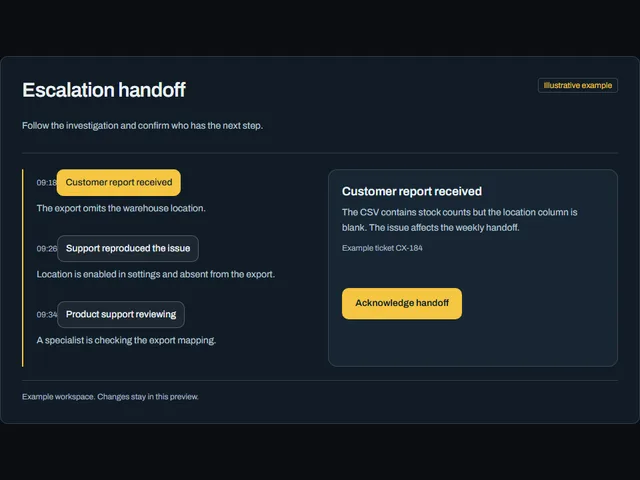
- Escalation timeline
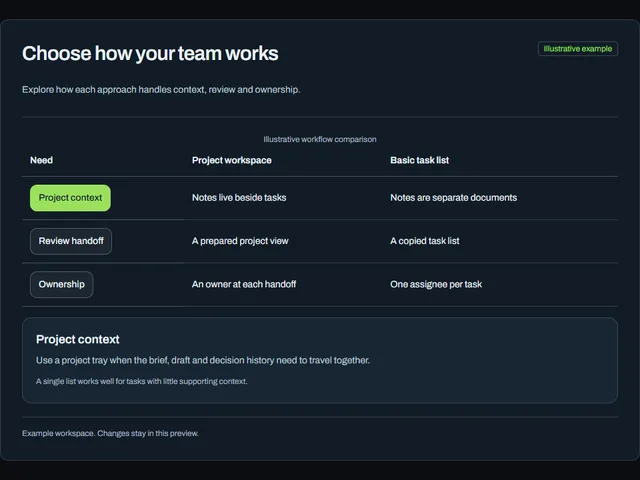
- Feature comparison matrix
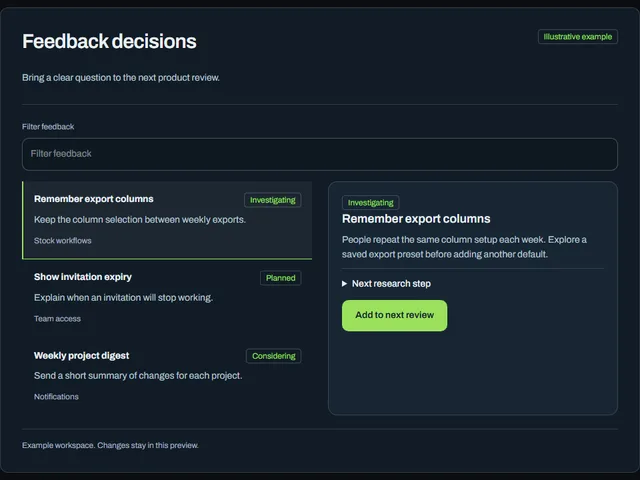
- Feedback priority board
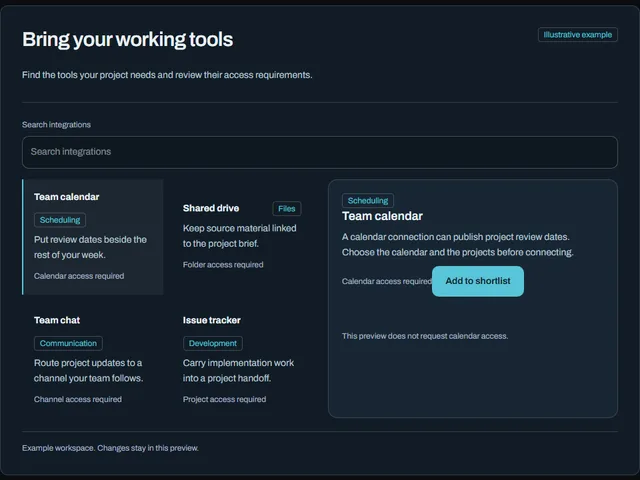
- Integration directory
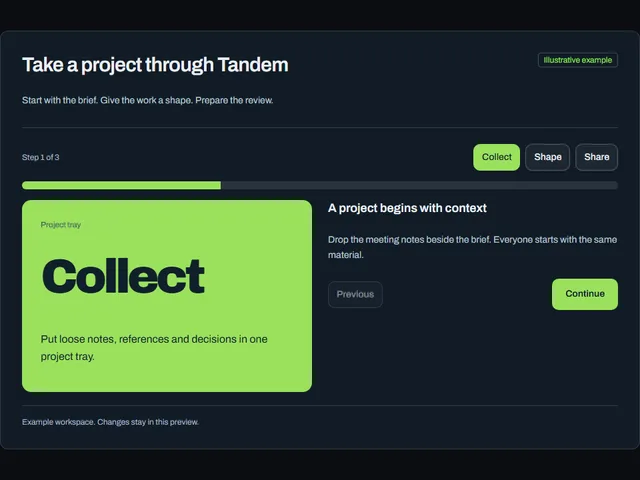
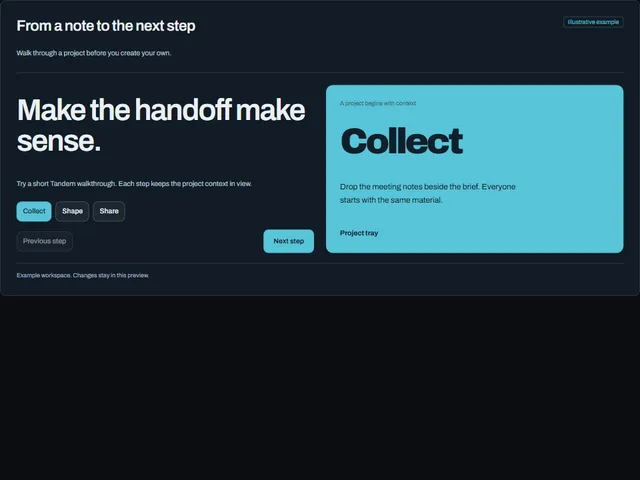
- Interactive product tour
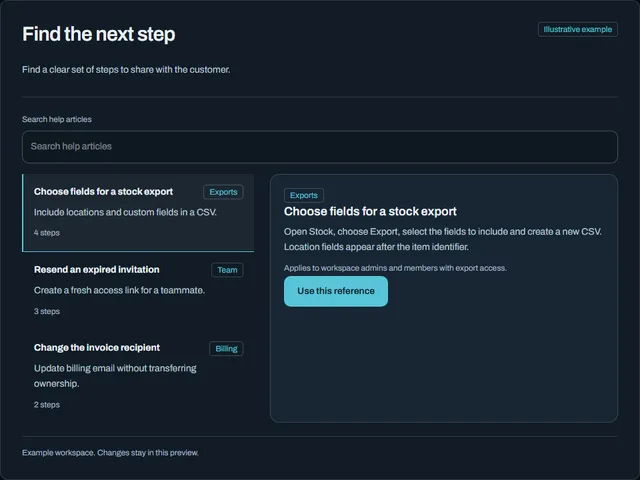
- Knowledge results
- Product demo split hero
- Product launch page
- Release notification form
- Reply composer with macros
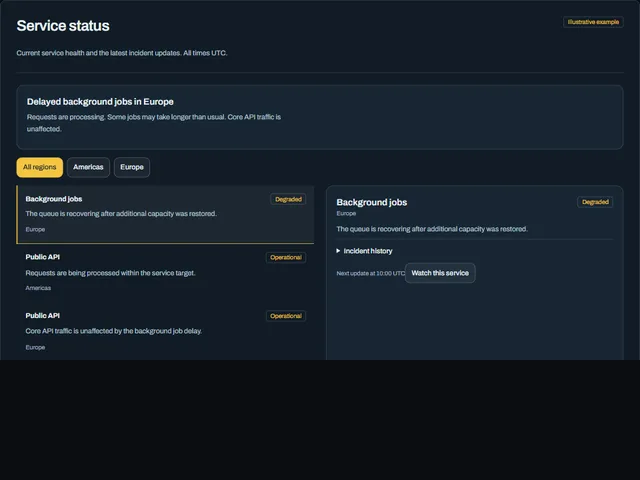
- Service status overview
- Sla deadline meter
- Support inbox workspace
- Ticket triage list
Tags
3d (16)accessible (4)accordion (9)action (3)actions (6)activity (5)add (7)admin (12)agent (12)alert (8)align (3)ambient (39)analytics (13)anchored (3)animated (82)animation (4)annotation (3)app shell (3)arc (4)arcs (3)area (12)area chart (4)arrow (32)audio (3)aurora (4)auth (11)authentication (12)auto height (4)autocomplete (4)avatar (10)avatars (3)axis (5)backdrop (18)backer (3)background (54)badge (21)band (6)banner (9)bar (16)bar chart (3)bars (6)beam (6)beams (5)bevel (12)bezel (3)billing (10)bin (3)blend (4)blob (4)blobs (3)bloom (10)blur (15)booking (9)bookmark (3)border (16)bounce (6)brackets (3)breadcrumb (4)breathing (3)broadcast (3)burst (7)busy (5)button (397)button group (5)buttons (4)calendar (32)call to action (11)callout (3)canvas (89)capsule (12)caption (8)card (35)cards (7)caret (5)carousel (11)cascade (3)category (3)cells (4)chain (3)characters (4)chart (59)chat (4)check (3)checkbox (13)checklist (7)checkmark (5)chevron (10)chip (22)chips (4)circle (9)circular (5)click (7)clip (9)clipboard (3)close (4)cloud (3)cluster (3)code (6)collapse (11)collapsible (6)collision (3)column (4)columns (3)combobox (4)command palette (3)commercial (10)compact (8)comparison (8)composer (4)concentric (4)confetti (4)confirm (24)confirmation (7)console (5)contact (3)context menu (4)controlled-state (18)copy (4)corner (6)corners (7)count (7)count-up (3)counter (18)crossfade (5)crosshair (6)cta (28)cue (4)cursor (26)curtain (7)curve (4)customer (13)cycle (6)dark (15)dark mode (4)dashboard (9)dashed (5)data (13)date picker (16)date range (13)deck (3)delay (5)delete (8)depth (32)destructive (9)destructive-action (4)device mockup (3)diagonal (13)diagram (3)dial (5)dialog (17)digits (5)direction (5)disc (5)disclosure (8)dismiss (6)displacement (3)distortion (5)divider (4)dock (4)donut (7)dots (15)download (10)drag (21)draw (3)drawer (10)drift (17)dropdown (18)dropdown menu (3)duration (3)easing (4)echo (3)edge (7)edge light (3)editor (3)elastic (8)elevation (6)ellipsis (3)email (3)emboss (4)emphasis (3)empty state (3)entrance (14)error state (3)events (3)exit (3)expand (23)explorer (3)fade (9)falling (3)falloff (4)fan (6)faq (4)feed (3)feedback (12)field (6)fill (46)film (3)filter (13)finance (10)flat (6)flat shadow (3)flight (3)flip (10)floating panel (4)flood (14)flow (5)fluid (3)flyout (3)focus (19)focus ring (5)focus trap (6)folder (5)follow (11)form (47)form-control (12)formatting (3)frame (19)gallery (15)game (3)gap (4)gauge (5)gesture (6)ghost (7)glare (3)glitch (9)glow (39)glyph (7)gradient (38)grain (10)gravity (3)grid (35)group (8)guide (3)hairline (8)halftone (4)halo (15)hamburger (4)hard shadow (6)heading (8)headline (19)hero (11)hexagon (3)highlight (22)hinge (4)hint (12)hold (6)horizon (3)horizontal (4)hover (251)hover card (10)hover reveal (3)icon (121)icon-button (23)icons (4)identity (3)indeterminate (4)indicator (9)inertia (4)initials (3)ink (4)inline (5)input (20)input group (3)inset (11)interactive (50)invert (26)italic (3)key (11)keyboard (20)keyboard navigation (6)keycap (10)knob (4)kpi (5)label (14)label reveal (3)label swap (9)labels (7)lag (4)lattice (4)launch (3)layered (9)layers (3)layout (18)ledge (6)legend (9)lens (4)letters (10)lift (19)light (22)lightbox (4)like (4)line (11)line chart (4)lines (8)link (11)link preview (7)liquid (7)list (13)live (3)loader (9)loading (27)log (3)login (10)loop (42)magnet (5)magnetic (3)magnify (3)map (4)marker (3)markers (6)marquee (8)mask (9)matrix (4)media (4)menu (23)merge (3)mesh (5)message (4)metal (10)meter (5)metric (10)metrics (5)minimal (10)modal (19)monospace (12)monthly (12)morph (14)motion (3)motion tuning (3)moulded (6)multi-select (4)nav (3)navbar (3)navigation (21)nested (7)neutral (4)night (4)noise (16)notification (3)notifications (4)nudge (4)number (11)odometer (5)offset (7)on-off (4)onboarding (3)one time code (5)options (5)orb (4)orbit (13)otp (3)outline (63)outlined (4)overflow (7)overlay (24)overshoot (3)page (18)palette (3)panel (31)panels (6)paper plane (4)paragraph (3)parallax (15)particles (18)paste (3)path (4)pattern (9)percentage (4)perimeter (3)perspective (20)photo (5)physics (5)picker (3)pie (7)pill (83)pill switch (4)pin (3)pinned (3)pixel (3)placeholder (4)plane (5)plate (9)play (4)playful (7)pointer (65)polar (8)pop (4)popover (17)post card (3)power (3)press (77)pressed (6)pricing (3)primitive (4)print (4)product (6)profile (8)progress (27)proportion (4)providers (4)pulse (17)queue (3)quiet (5)radar (9)radial (8)radio (4)radio group (8)raised (3)ramp (5)ranking (3)rays (4)readout (4)record (4)registration (3)relay (3)relief (6)remove (3)reorder (3)resize (4)restore (3)retro (4)retry (3)reveal (80)ribbon (6)rim (8)ring (25)rings (10)ripple (18)rise (3)roll (6)rotate (21)rotating text (4)rotation (6)round (5)rounded (3)row (11)rows (4)save (5)scale (20)scan (5)scatter (4)scheduler (3)scramble (5)screen (3)screenshot frame (3)scroll (38)scrub (5)search (8)section (4)sections (4)segmented (7)segmented control (12)select (5)selection (5)send (23)sequence (8)series (7)settings (21)shadow (28)shape (3)share (25)shared element (4)sheen (14)sheet (4)shell (3)shimmer (8)shine (5)shortcut (4)shuffle (3)shutter (5)sidebar (7)sign in (11)signal (8)signup (9)silhouette (3)sizes (4)skew (9)slab (6)slide (20)slider (10)sliding highlight (7)sliding indicator (3)snap (4)social (6)soft (6)space (5)spark (3)sparkline (3)spin (15)spinner (9)split (9)split-flap (3)split text (3)spotlight (7)spring (63)square (5)squash (4)stack (17)stacked (7)stagger (40)staircase (3)star (3)stars (6)stat (5)state (11)static (3)status (21)stepper (3)steps (3)sticker (4)sticky (4)streaks (3)strikethrough (3)stripes (5)stroke (6)submenu (9)submit (7)subtle (3)success (3)surface (5)svg (102)swap (12)sweep (40)swell (4)swipe (5)swirl (3)switch (16)tabs (22)tactile (26)tap (4)target (3)task (3)team (5)terminal (3)text (40)text button (3)text-effect (3)text field (4)text transition (3)textarea (4)texture (11)theme (3)theme toggle (4)thumbnail (4)ticker (5)tile (16)tiles (12)tilt (26)time (3)time range (3)time series (3)timeline (3)timer (3)timing (5)tint (5)toggle (65)toggle group (10)toolbar (25)tooltip (37)total (3)touch (3)trace (4)tracking (6)trail (20)transition (6)translucent (9)travel (6)tray (3)tree (3)trend (10)trigger (4)tunnel (4)twinkle (4)typewriter (9)typing (8)typography (18)underline (10)upload (5)uppercase (14)validation (5)value (3)values (4)variants (4)velocity (3)verification (8)video (4)viewport (6)voice (3)warp (6)wash (5)wave (13)waveform (3)waves (7)window (3)wipe (23)wireframe (3)wireless (3)wobble (6)word swap (3)words (3)workflow (18)workspace (36)wrapper (3)zoom (4)