Schaltfläche.
Alles, so wie es läuft. Fahre über eine Kachel, um sie abzuspielen, und drücke die Leertaste für die Nahansicht.
Starte mit



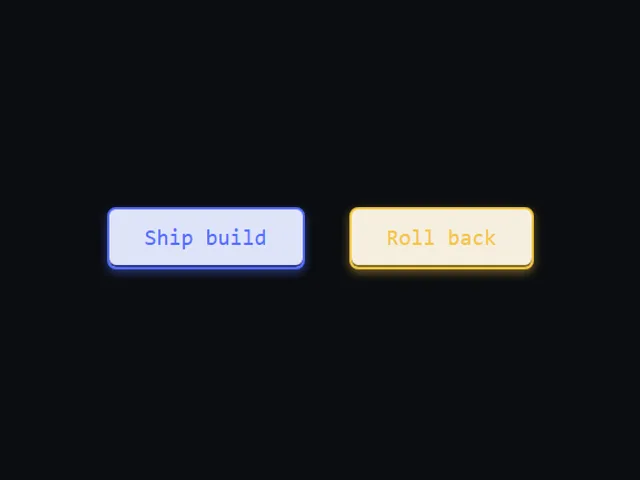

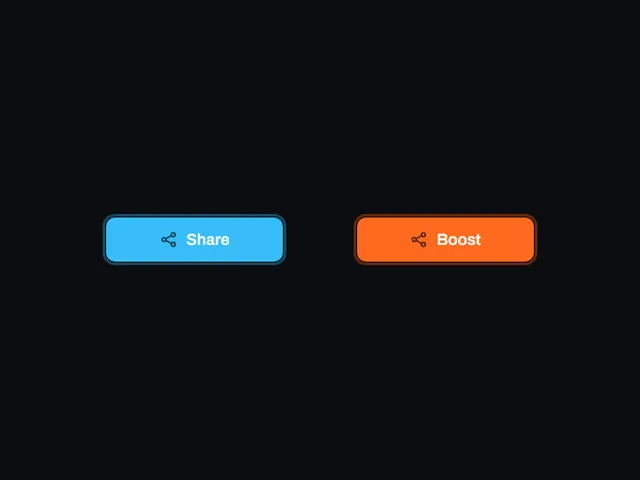
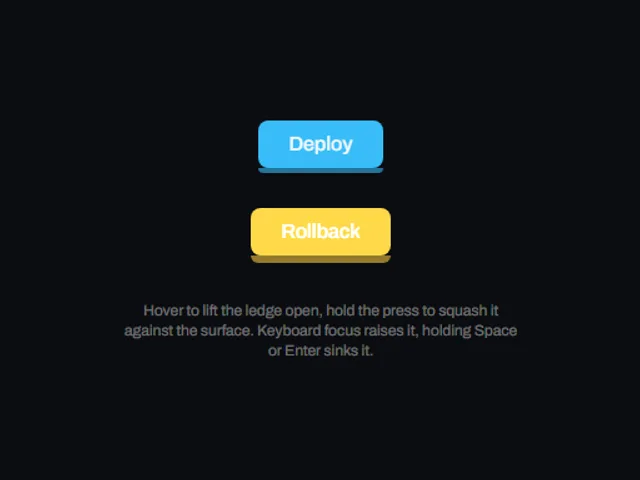
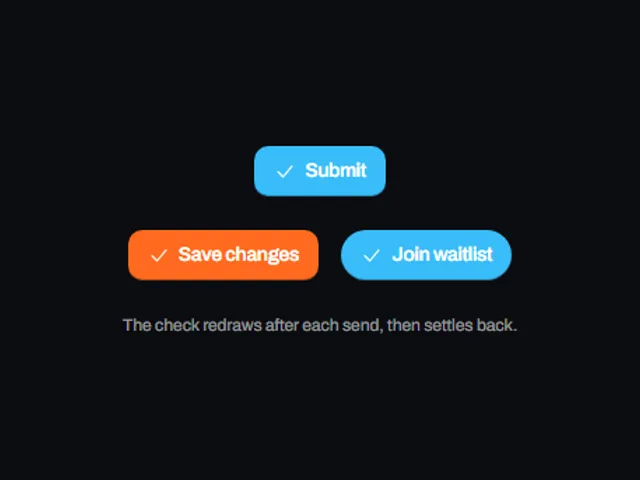



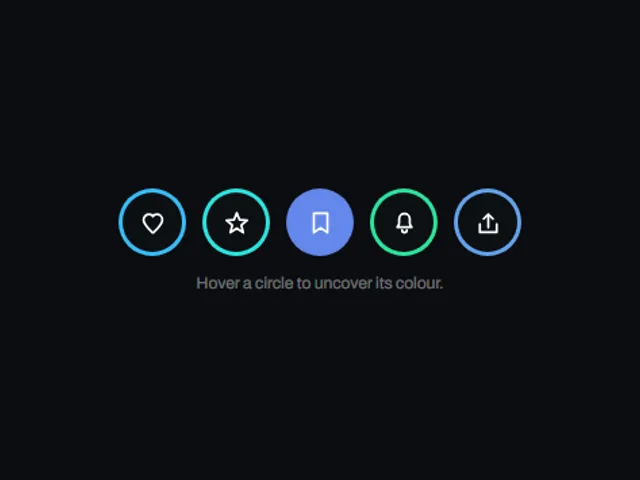

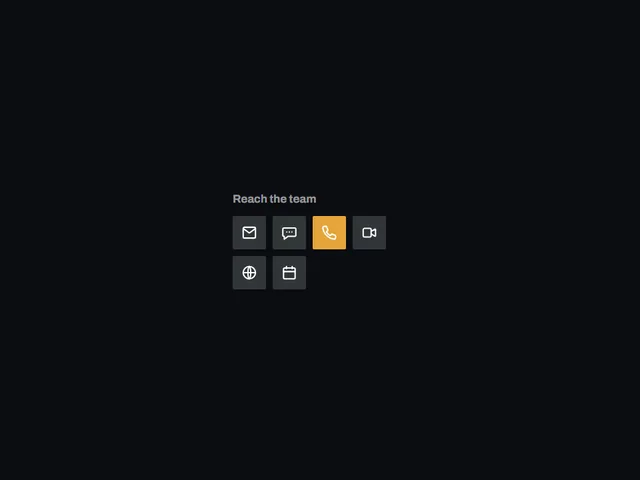

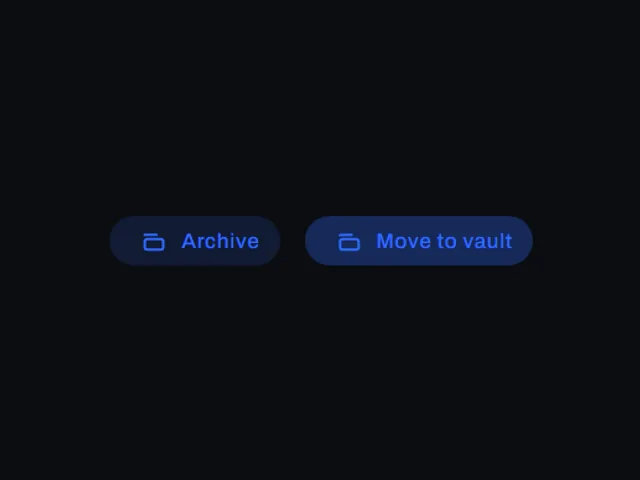
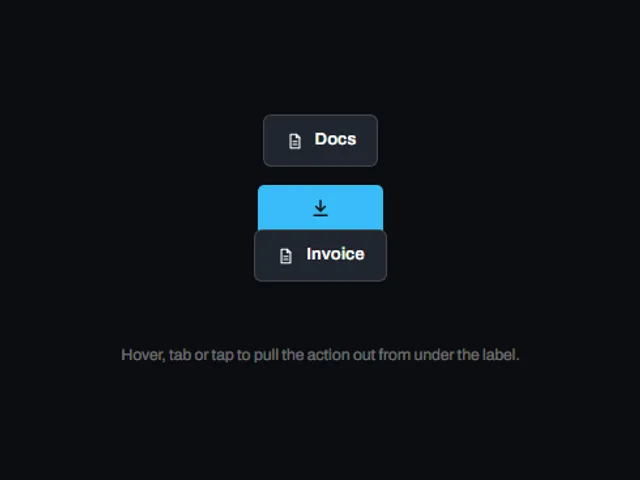
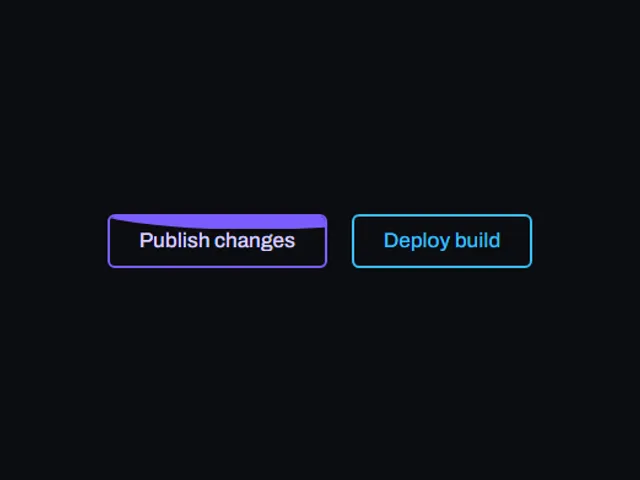
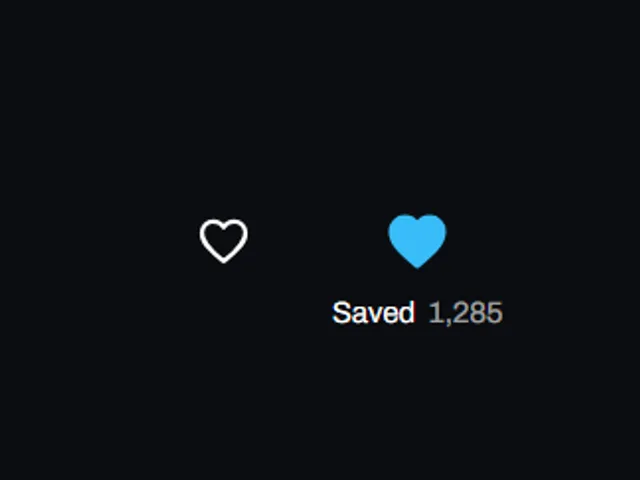
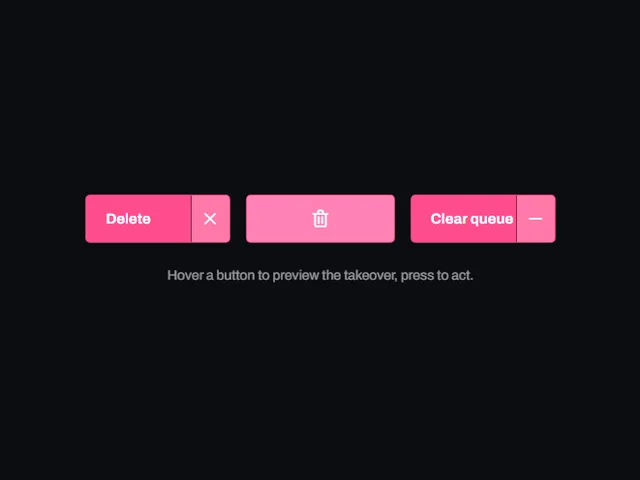
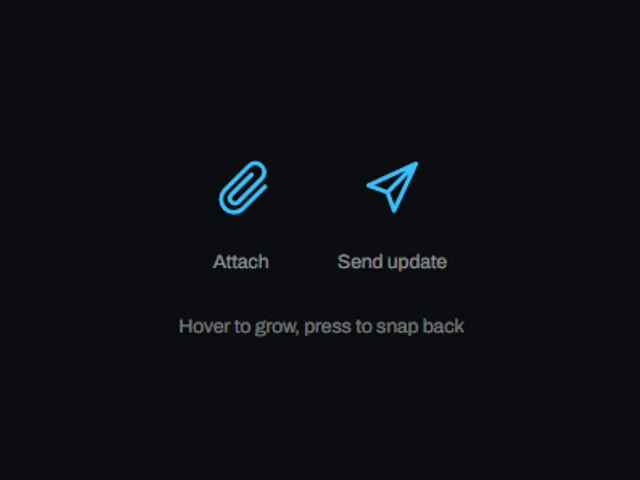
Diese Komponenten vergleichen
Wähle nach Verhalten und Layout. Prüfe anschließend die verfügbaren Frameworks und Zugangsvoraussetzungen auf der jeweiligen Komponentenseite.
- Amber upload pill
Ein warmer Farbverlaufs-Upload-Pill mit einem hellen Rand, der den Farbstich verbreitert und das Etikett beim Schweben von hinten beleuchtet.
- Arrow chip button
Eine abgerundete Aktionstaste mit einem leuchtenden Pfeilchip am rechten Ende, der beim Schweben mit einem harten, versetzten Schatten von der Seite abhebt und beim Drücken sinkt.
- Arrow to label pill
Ein runder Chevron-Knopf, der sich beim Schweben in eine breite beschriftete Pille ausdehnt und die Markierung gegen ein Wort eintauscht, während die flache Füllung zu einer Rampe mit zwei Stopps wird.
Gesamtes Verzeichnis öffnen
- Amber upload pill
- Arrow chip button
- Arrow to label pill
- Arrow wipe call to action
- Banded stripe button
- Bevel frame button
- Bevel press pill
- Blob cap button
- Captioned Like Button
- Cartridge fire button
- Channel tile row
- Check stroke submit
- Collapsing share button
- Color swap play button
- Concentric ring button
- Converging chevron button
- Corner bracket frame button
- Corner bracket seal button
- Counting follow chip
- Dark Pill Sign In
- Dashed outline tooltip button
- Destructive sweep button
- Diagonal blob flood button
- Diagonal swipe button
- Diagonal wedge button
- Dialog bevel button
- Dot flood button
- Dot matrix arrow button
- Draining fill button
- Drifting aura button
- Drifting halo button
- Drive through button
- Edge Collapse Button
- Elevated chip button
- Elevation ladder fill button
- Expanding icon pill
- Expanding icon pill
- Extruded tilt button
- Flight path confirm button
- Flip face button
- Floating download pill
- Focus halo button
- Four edge wipe icon button
- Gap stretch arrow button
- Edge light pill
- Glow halo button
- Gradient swap button
- Graphite Slab CTA
- Grounded download pill
- Growing back arrow
- Growing ledge button
- Hard edge key button
- Hard Shadow Button
- Hinged progress button
- Hold to delete
- Hop lift button
- Icon badge send
- Icon reveal chip
- Icon takeover delete
- Breathing Inset Button
- Inset plate button
- Inset sheen button
- Invert and grow button
- Invert Fill Button
- Invert and lift button
- Invert on hover pill
- Jello squash button
- Key Turn Chip
- Rolling Label Button
- Launch orbit button
- Letter cascade button
- Letter swap copy button
- Lift and Sink Button
- Lifting share chip
- Light pool button
- Light sweep effect
- Liquid wave button
- Live keycap
- Molded bevel button
- Morphing backdrop button
- Multi select toggle row
- Nested capsule button
- Notched console button
- Nudging chevron button
- Offset outline stack
- Offset plate button
- Opposing rule text button
- Orbiting rim light button
- Outline invert button
- Outset ring tilt button
- Overshoot icon button
- Panning gradient button
- Particle spray
- Perimeter draw button
- Plinth lift button
- Press block button
- Press down sweep button
- Press plate toggle
- Pressed ledge button
- Pulse button
- Pulse halo button
- Radial Share Fan
- Relay fill button
- Return to top chip
- Reversing bars menu button
- Rim to fill gradient button
- Ringing bell badge
- Ripple tap button
- Rising disc icon row
- Rocking archive tint pill
- Rocking icon CTA
- Rotating backer button
- Rotating face plate
- Rotating sky explore button
- Scribble Edit Chip
- Scroll cue pill
- Send flight button
- Settling shadow button
- Share toggle chip
- Sheen upload button
- Shifting frame button
- Shrinking cap icon row
- Sketched outline button
- Skewed shutter button
- Skewed wipe swap button
- Slanted shutter button
- Slide out tabs button
- Slide under download button
- Sliding label button
- Sliding panel button
- Sliding send button
- Snap back icon button
- Speaking glow button
- Spin Off Thanks
- Spinning square flood button
- Spotlight fill button
- Stacked shadow outline button
- Stacked shell sign in
- Staged expand delete button
- Stair step shadow button
- Star count button
- Stitched rule link button
- Streak border button
- Swelling pill button
- Swelling pill add button
- Three layer push button
- Tilted deck button
- Tilted plinth call to action
- Tinted shadow buttons
- Tracing edge button
- Traveling border pill
- Traveling underglow pill
- Travelling knob follow button
- Twin Sweep Tile
- Uppercase action button
- Warm band action button
- Winged crest button
- Wipe fill button