Componentes
fill
Explore prévias interativas, encontre os componentes ideais e incorpore componentes abertos ao seu projeto com o código-fonte incluído.
36 de 46
Carregando o índice completo de busca.










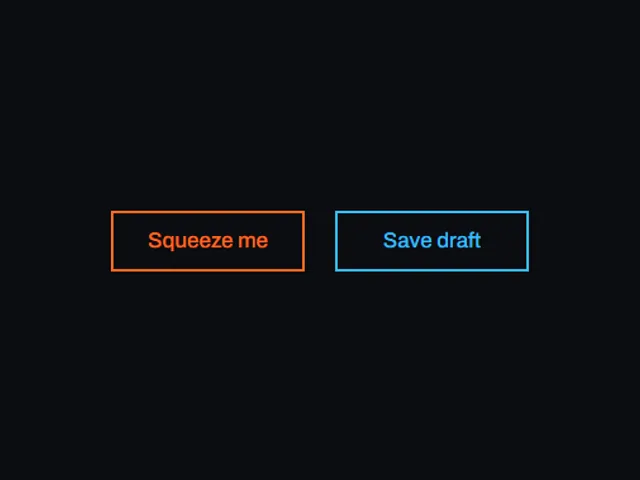

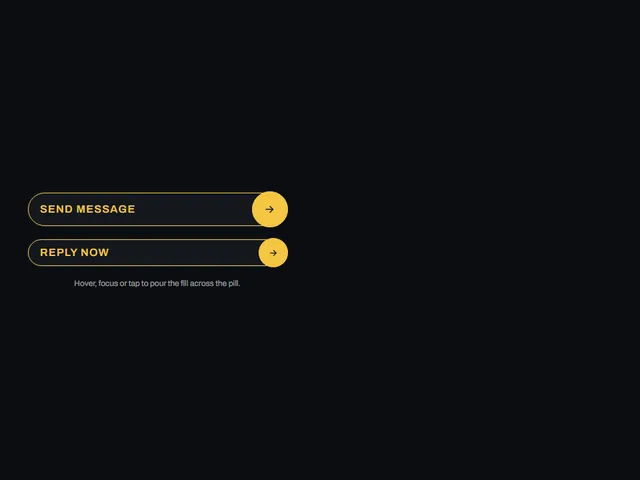
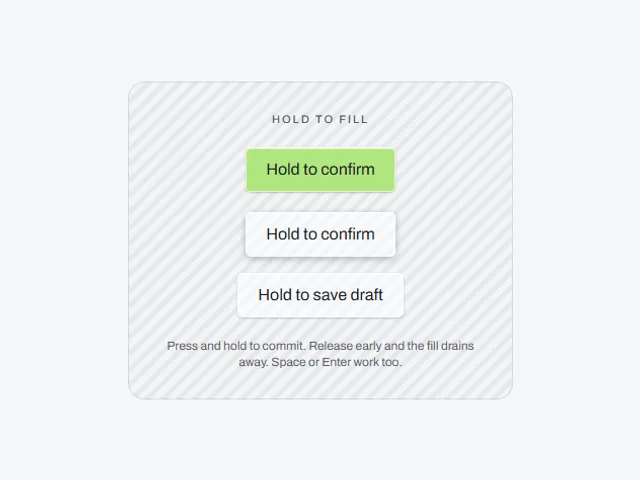
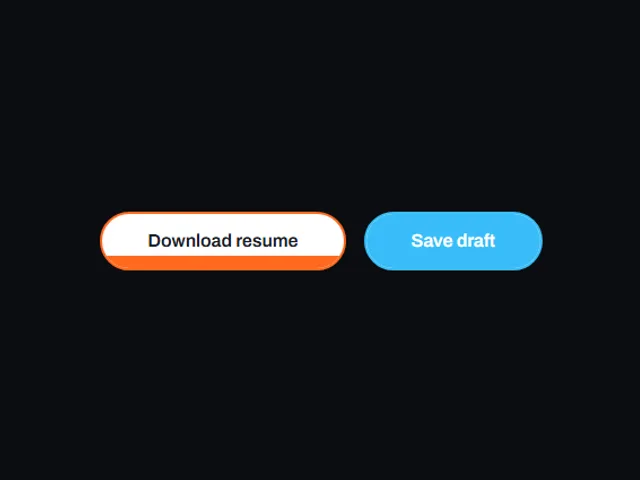
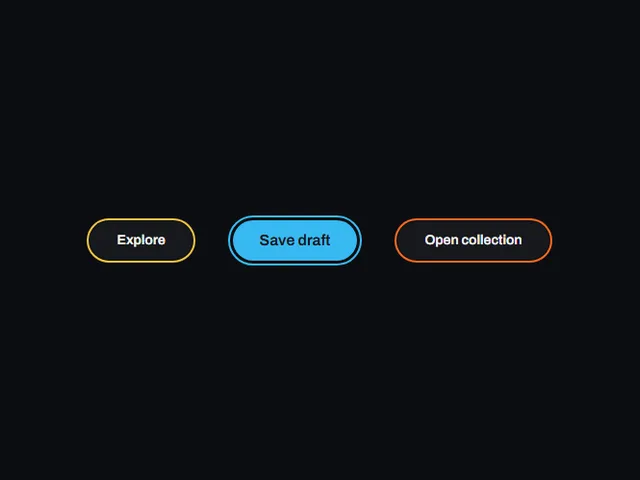
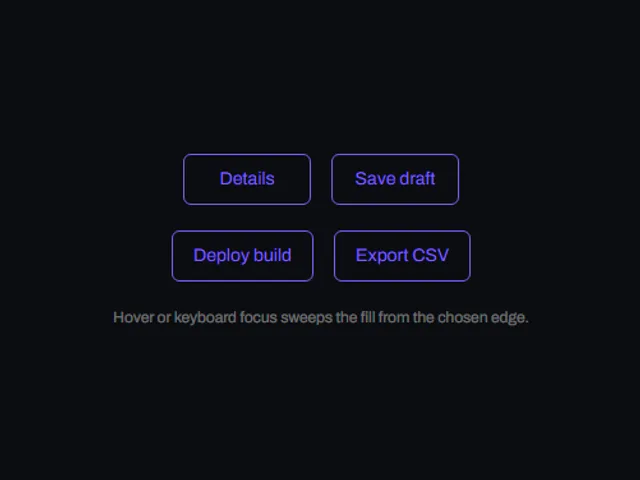

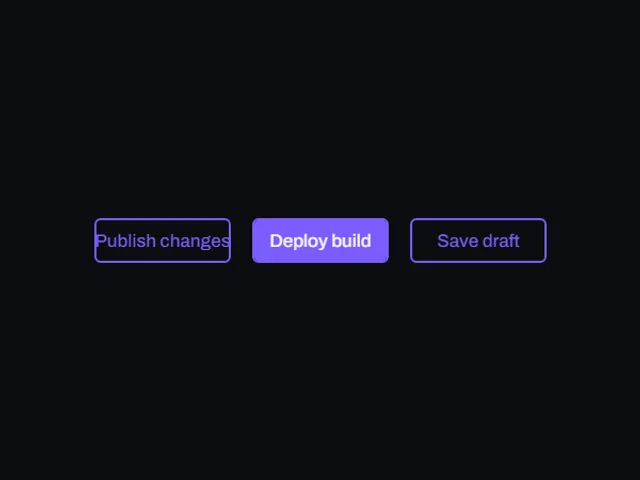
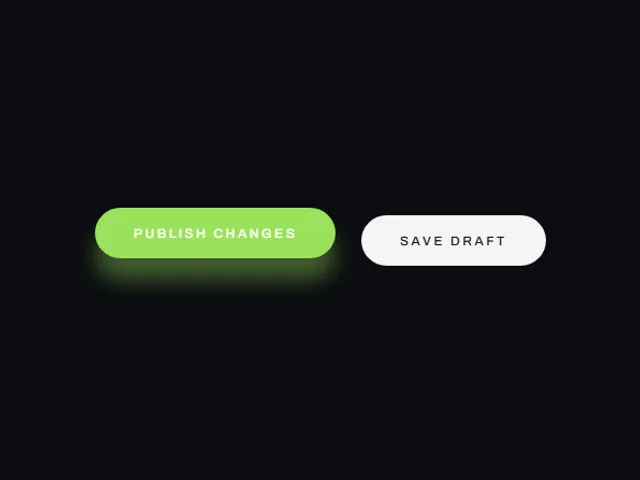

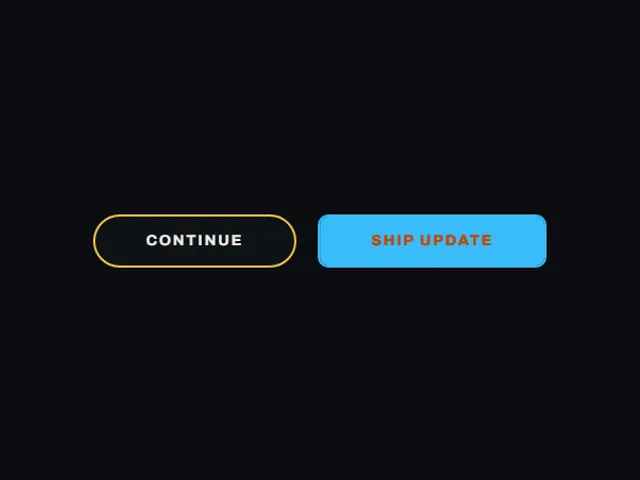
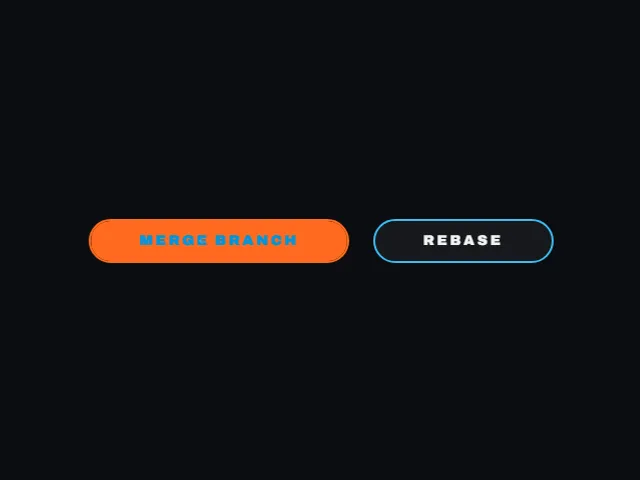

Compare estes componentes
Escolha pelo comportamento e pelo layout; depois confira os frameworks disponíveis e os requisitos de acesso na página de cada componente.
- Arrow wipe button
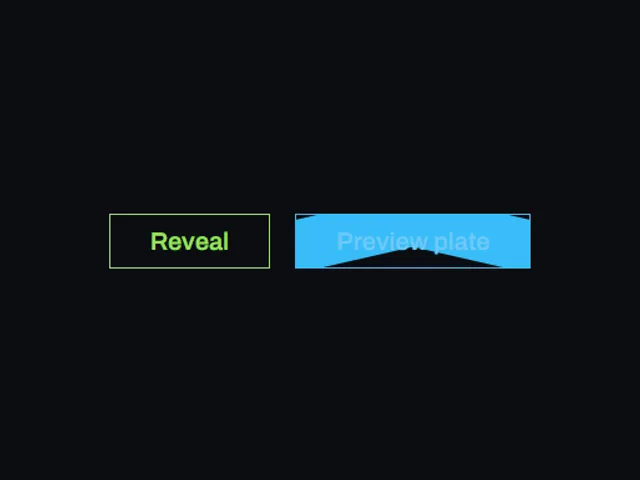
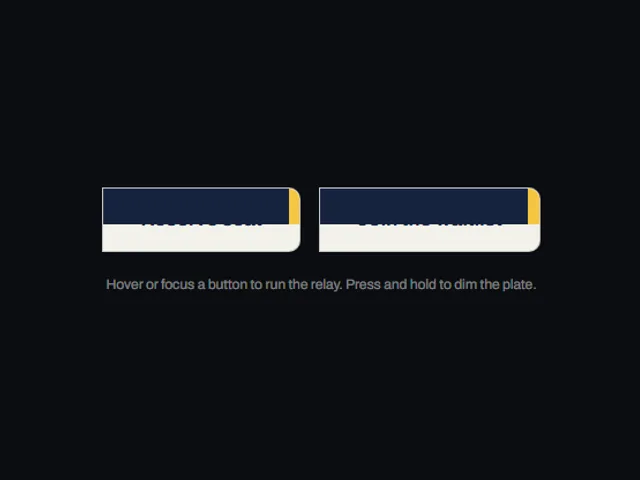
Um botão de pílula cuja placa de destaque, cortada em forma de ponta de seta, desliza da esquerda para a esquerda e inverte o rótulo letra por letra à medida que sua ponta se cruza.
- Center out fill button
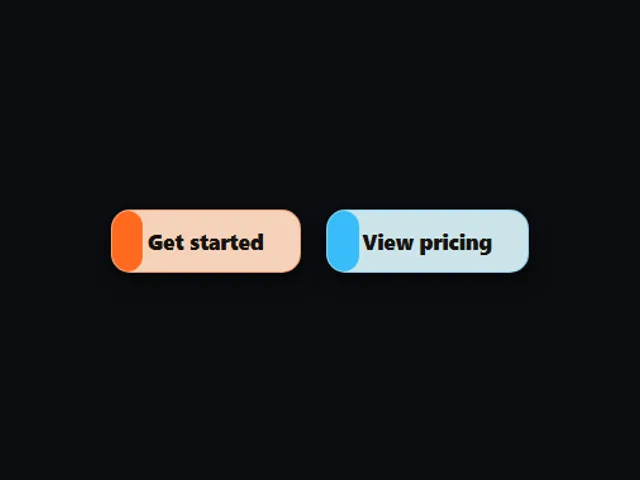
Um botão maiúsculo delineado cujo preenchimento de destaque abre a partir de uma linha fina no centro até ambas as bordas ao passar o mouse ou focar.
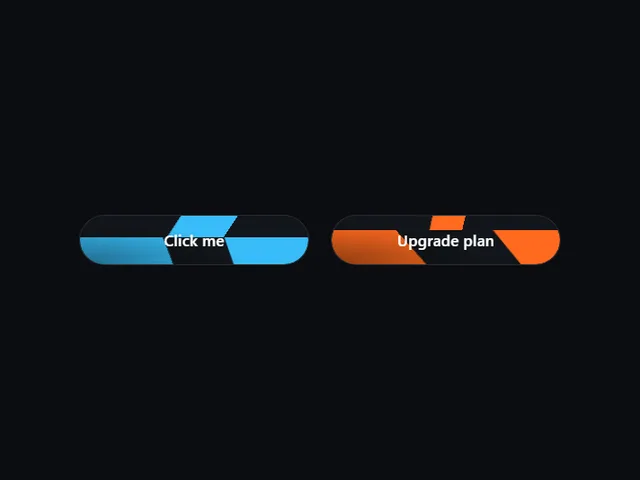
- Converging chevron button
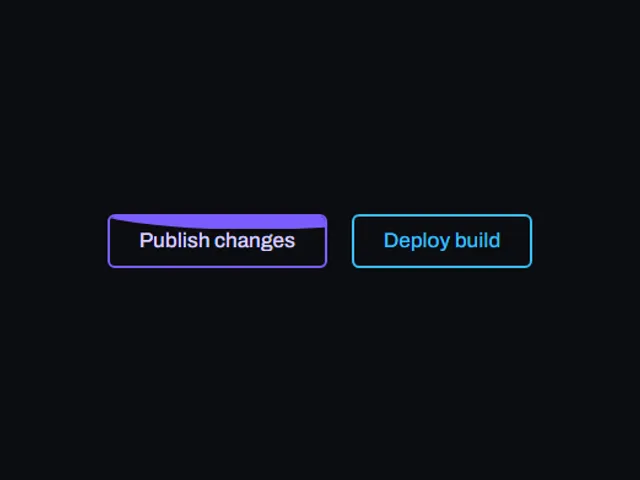
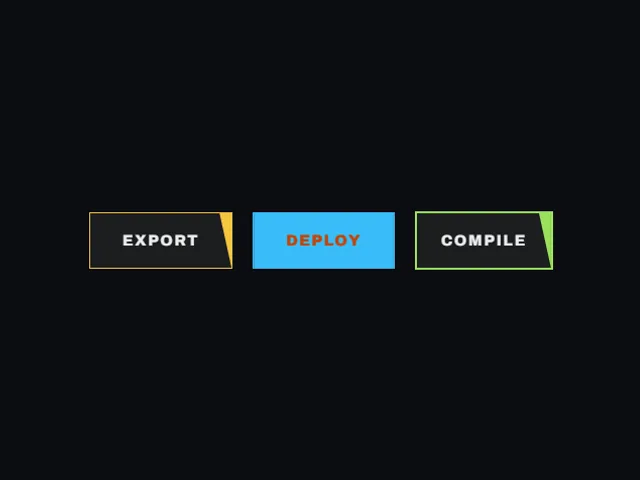
Duas placas em forma de seta voam de lados opostos e se encontram no meio do botão, fechando-o atrás da etiqueta.
Abrir o índice completo
- Arrow wipe button
- Center out fill button
- Converging chevron button
- Corner ticks frame button
- Detached Ring Pill
- Diagonal blob flood button
- Diagonal orb fill button
- Diagonal shutter fill button
- Diagonal swipe button
- Diagonal wedge button
- Dot flood button
- Draining fill button
- Edge wipe invert
- Fill sweep loading text
- Flowing gradient headline
- Fusing blob fill button
- Hold to fill pad
- Ink bloom button
- Interlocking comb button
- Italic outline fill button
- Jello squash button
- Leap and tint button
- Left Edge Fill Button
- Letter spread drop button
- Lift and fill pill
- Liquid wave button
- Pass through wipe button
- Pincer Fill Button
- Relay fill button
- Rising Circle Fill
- Rising Fill Button
- Sliding fill send pill
- Soft bloom fill button
- Spinning square flood button
- Sweep invert button
- Sweeping band button
- Swipe fill press pill
- Tide fill button
- Tinted ring radar
- Twin Bubble Rise
- Underline flood button
- Winged crest button
- Wipe fill button
- Left Wipe Button
- Left wipe button
- Word tumble button