Pages
Split sign-in page
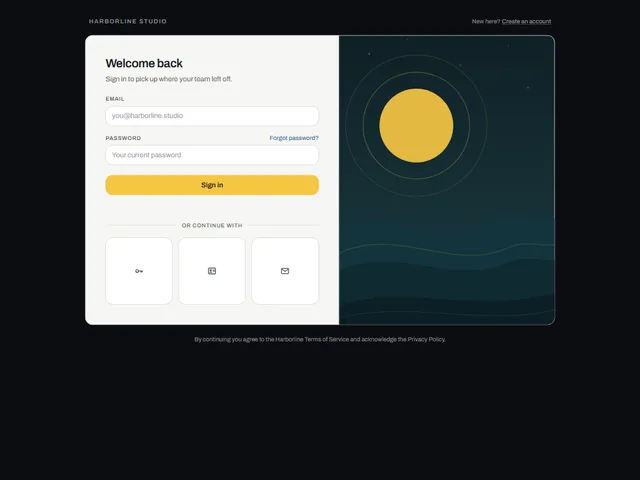
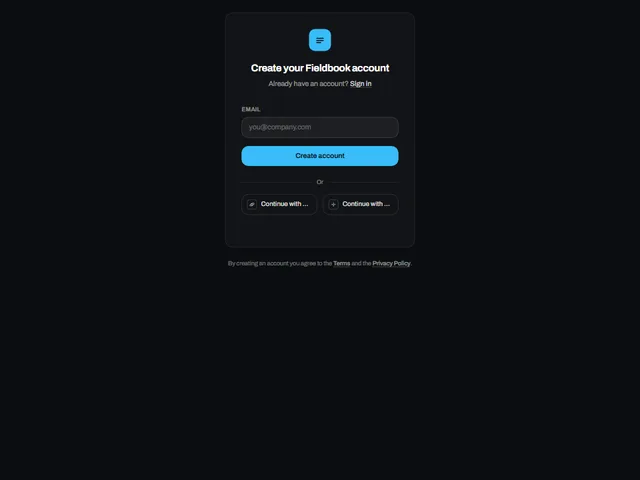
Split sign-in page: A sign-in page with a narrow paper form strip beside a skyline of six lit buildings that rise under the pointer, sort into a staircase on sign-in, and shake on an error.
Using Split sign-in page
Split sign-in page uses the full page preview frame with a light/dark theme setting.
Customize the preview
These controls are passed to the demo. Defaults and limits describe the preview; consult the implementation for its full prop API.
| Control | Type | Default | Preview limits |
|---|---|---|---|
brandName | text | Fieldbook | Up to 30 characters |
accentColor | color | #1F45FF | No additional limit in the metadata. |
imageSide | select | right | Options: left, right |
Which frameworks are available for Split sign-in page?
Split sign-in page is available for React, Vue, Svelte, Astro, HTML. The live preview uses React; the source observations below apply to index.tsx. Check the selected port before relying on the same interactions.
What does Split sign-in page depend on?
The React metadata lists no additional npm dependencies beyond React.
What accessibility details are visible in Split sign-in page?
The React source for Split sign-in page includes: native elements (a, button, input, label); attributes and handlers (aria-hidden, aria-label); explicit roles (group, status). These are source observations. Verify accessible names, focus order and keyboard behavior in the composed page.
How does Split sign-in page handle reduced motion?
Split sign-in page reads the motion preference in its React source through matchMedia(prefers-reduced-motion). Check the full implementation, shared styles and selected port with reduced motion enabled; these observations do not establish that every animation stops.