Buttons
Invert on hover pill
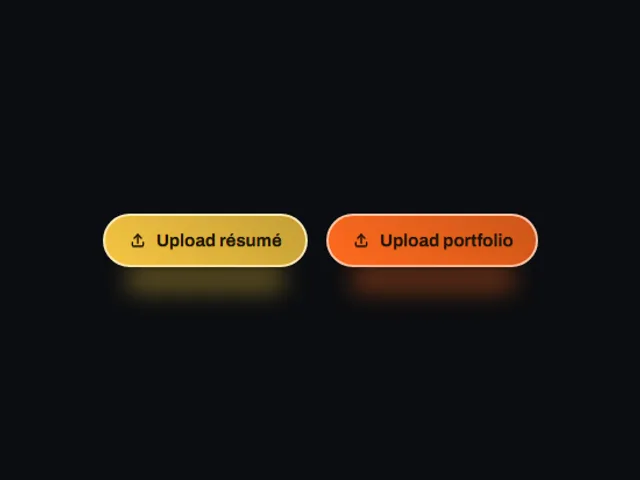
Invert on hover pill: A filled pill that trades fill and label colors and swells slightly on hover or keyboard focus, squeezing below its resting size while pressed.
Using Invert on hover pill
Invert on hover pill uses the inline preview frame with a light/dark theme setting.
Customize the preview
These controls are passed to the demo. Defaults and limits describe the preview; consult the implementation for its full prop API.
| Control | Type | Default | Preview limits |
|---|---|---|---|
label | text | Do not click | Up to 18 characters |
accent | color | #F5C542 | No additional limit in the metadata. |
hoverScale | number | 1.1 | From 1 to 1.35; step 0.01 |
radius | number | 30 | From 4 to 40; step 1 |
glow | boolean | true | No additional limit in the metadata. |
Which frameworks are available for Invert on hover pill?
Invert on hover pill is available for React, Vue, Svelte, Astro, HTML. The live preview uses React; the source observations below apply to index.tsx. Check the selected port before relying on the same interactions.
What does Invert on hover pill depend on?
The React metadata lists no additional npm dependencies beyond React.
What accessibility details are visible in Invert on hover pill?
The React source for Invert on hover pill includes: native elements (button). These are source observations. Verify accessible names, focus order and keyboard behavior in the composed page.
How does Invert on hover pill handle reduced motion?
Invert on hover pill reads the motion preference in its React source through matchMedia(prefers-reduced-motion). Check the full implementation, shared styles and selected port with reduced motion enabled; these observations do not establish that every animation stops.