Overlays
Edge-slide panel
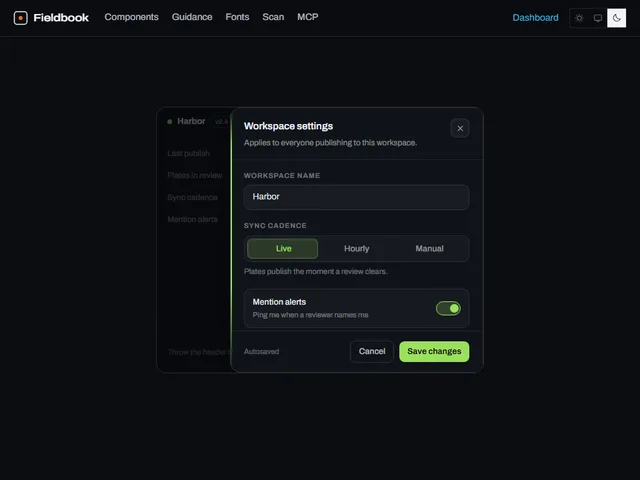
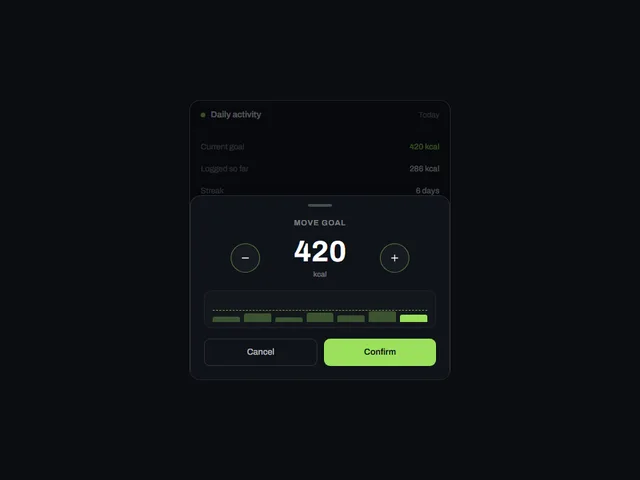
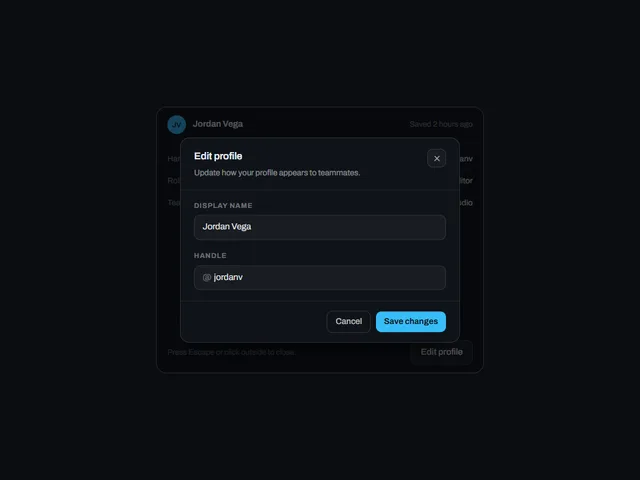
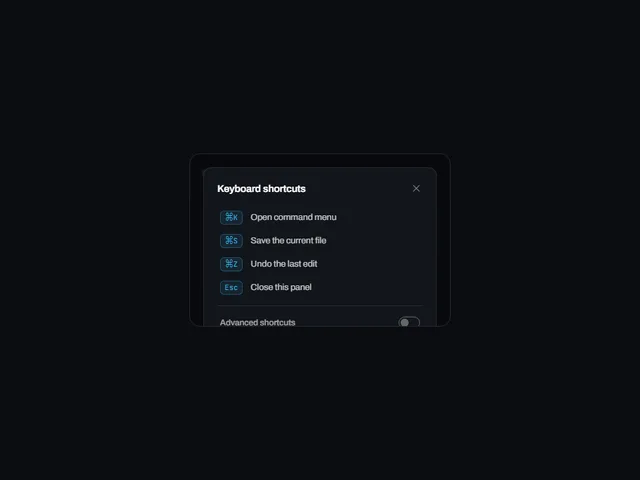
Edge-slide panel: A settings panel that springs in flush against a screen edge while the page behind it dims and blurs.
Using Edge-slide panel
Edge-slide panel uses the card preview frame with a light/dark theme setting.
Customize the preview
These controls are passed to the demo. Defaults and limits describe the preview; consult the implementation for its full prop API.
| Control | Type | Default | Preview limits |
|---|---|---|---|
side | select | right | Options: top, bottom, left, right |
accent | color | #38BDF8 | No additional limit in the metadata. |
title | text | Edit profile | Up to 50 characters |
size | number | 340 | From 240 to 480; step 10 |
Which frameworks are available for Edge-slide panel?
Edge-slide panel is available for React, Vue, Svelte, Astro, HTML. The live preview uses React; the source observations below apply to index.tsx. Check the selected port before relying on the same interactions.
What does Edge-slide panel depend on?
The React metadata lists these npm dependencies beyond React: motion, radix-ui, clsx, tailwind-merge.
What accessibility details are visible in Edge-slide panel?
The React source for Edge-slide panel includes: native elements (button); attributes and handlers (aria-describedby, aria-hidden, aria-label). These are source observations. Verify accessible names, focus order and keyboard behavior in the composed page.
How does Edge-slide panel handle reduced motion?
Edge-slide panel reads the motion preference in its React source through useReducedMotion(). Preference-dependent expressions in index.tsx: closeTransition: reduced ? { duration: 0.001 } : { duration: 0.24, ease: [0.5, 0, 1, 1] as const }; duration: reduced ? 0.001 : 0.16; duration: reduced ? 0.001 : 0.2. Check the full implementation, shared styles and selected port with reduced motion enabled; these observations do not establish that every animation stops.